MOST USED
Multiple Choice (Single & Multi)
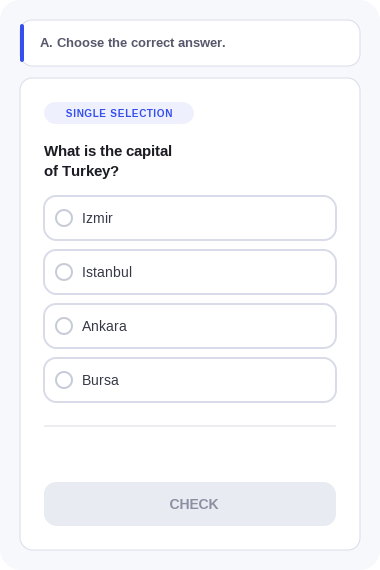
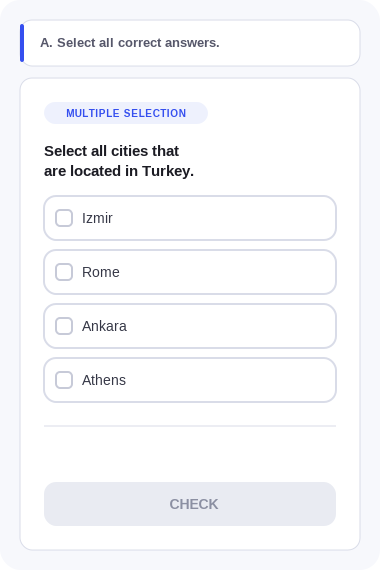
Create questions with one or several correct options. Edit the question, choices and answer key before publishing.
Interactive Learning Modules
Use Pabli Editor to turn textbook PDF exercises into activities learners can answer on screen. Choose a page range or work with a single question.
Publishers, teacher teams and institutions can edit the questions, check the answer key and preview the content before publishing.
A Pabli module is a learning activity with a specific interaction, such as matching terms, ordering steps or selecting an answer. Combine modules across the pages of a textbook or a short lesson.
Module Library
Choose an activity that matches what the learner should do. Build it in the editor or use AI assistance where the selected type supports it.
Create questions with one or several correct options. Edit the question, choices and answer key before publishing.
Key terms become gaps. Learners type or select the missing word. Multiple blanks per passage supported.
Ask learners to evaluate statements. Use the format to practise definitions, facts or common misconceptions.
Drop items into targets or match pairs with drag-and-drop. Supports multiple targets and complex relationships.
Ask learners to arrange steps, events or causes in sequence. Use it for scientific processes, historical timelines and worked procedures.
Students identify errors or highlight key terms in a passage. Builds proofreading and vocabulary skills.
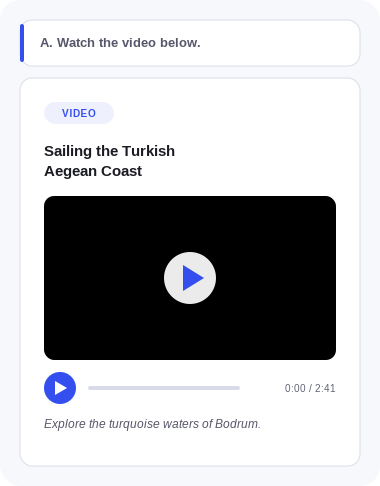
Add a video you have the rights to use and configure playback controls. Check how the resource appears in learner preview.
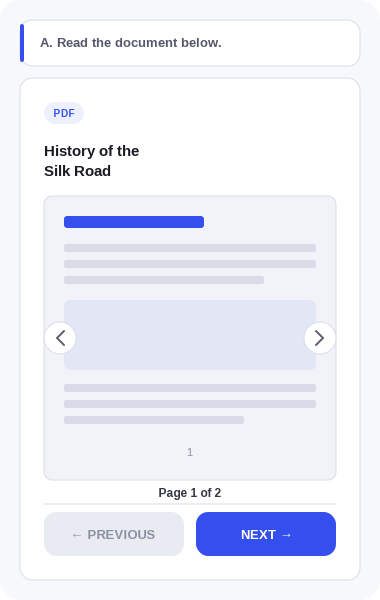
Display PDF documents with annotations and resource linking. Turn static pages into interactive reference material.
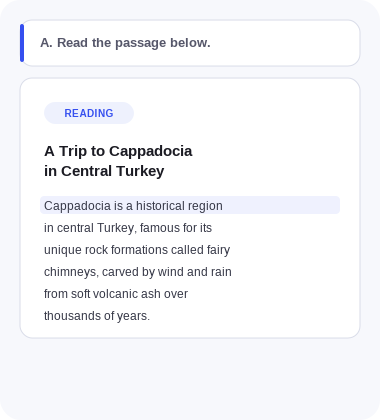
Present a reading passage with supporting media. Add comprehension activities to the lesson and review their answers in the editor.
All Modules
Browse the activity catalogue by learning task. Check each format’s options to decide whether to author it directly or use a supported AI workflow.
Traditional quiz and test formats for evaluating student knowledge
Hands-on activities with drag-and-drop, matching, and fill-in exercises
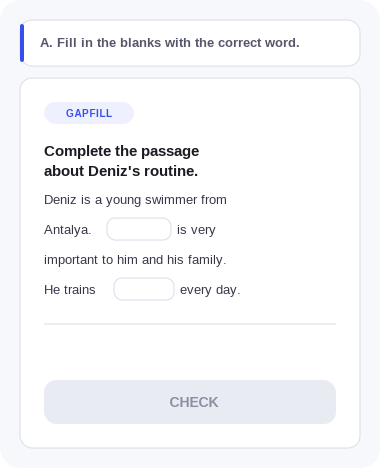
Fill-in-the-blank exercises with drag-and-drop or typing
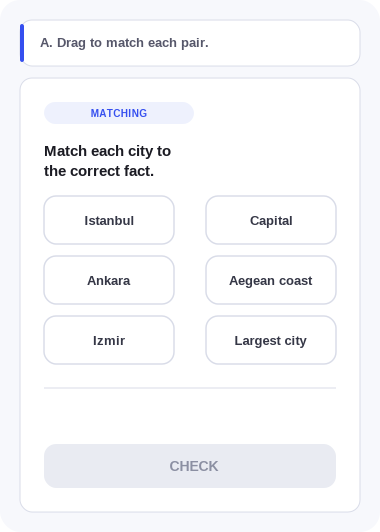
Match items from two columns by drawing connections
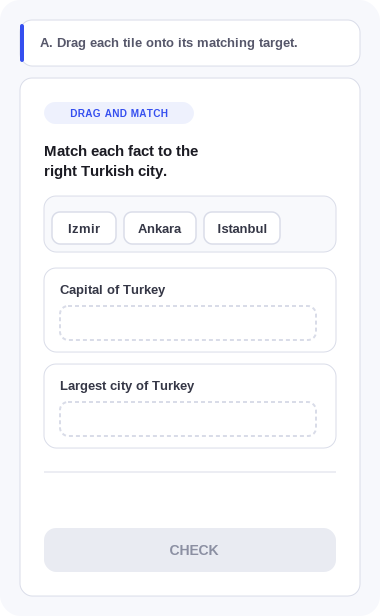
Drag items to correct target zones
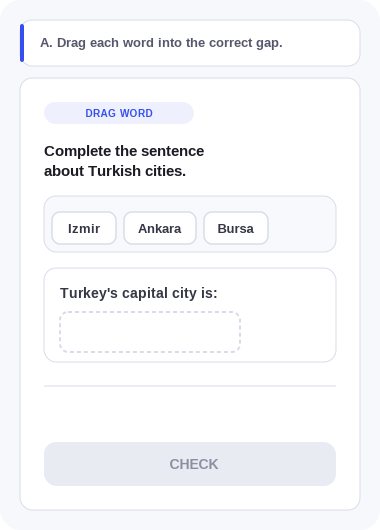
Drag words from a word bank to fill gaps in text
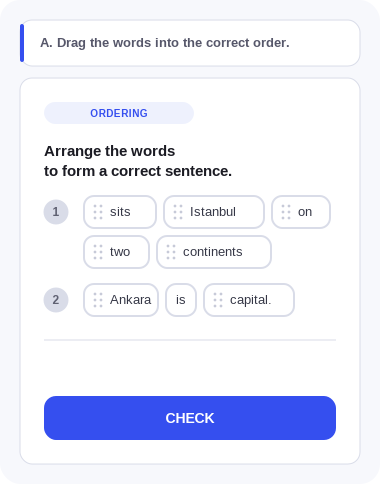
Arrange items in the correct sequence
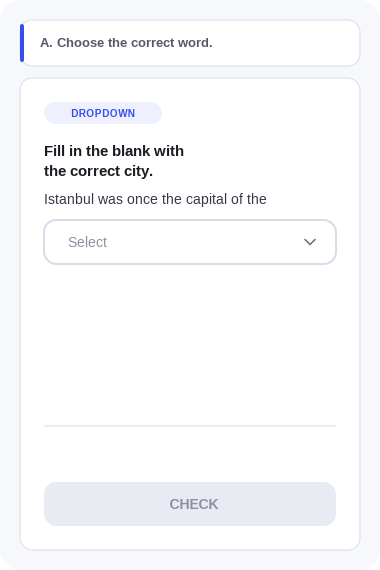
Select correct options from dropdown menus in text
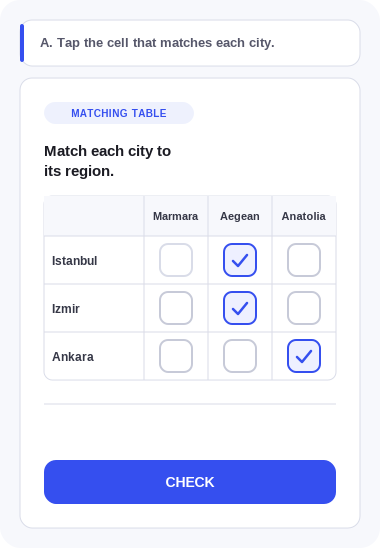
Match items using a table grid with checkboxes
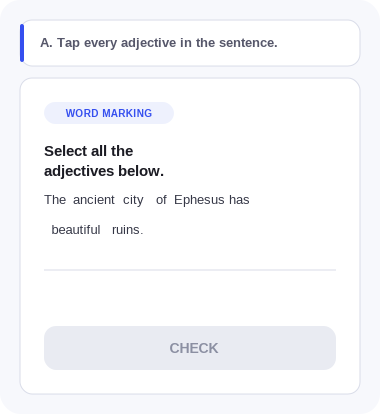
Click to mark specific words in text
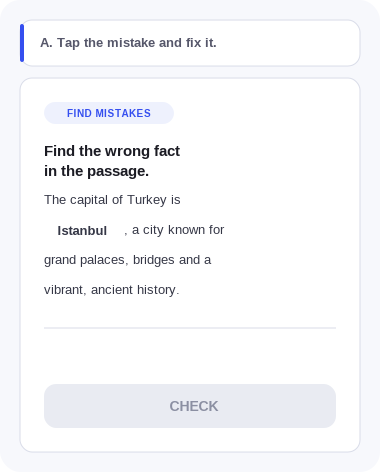
Identify and correct errors in text
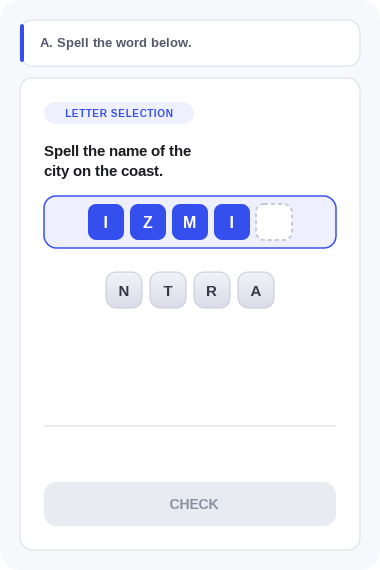
Select individual letters to complete words
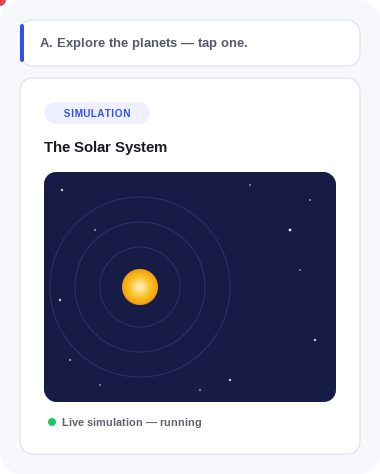
Explorable models learners can manipulate — not just answer questions about
Video, audio, and document viewers for multimedia content delivery
Text-based content presentation and reading materials
Gamified learning activities and educational games
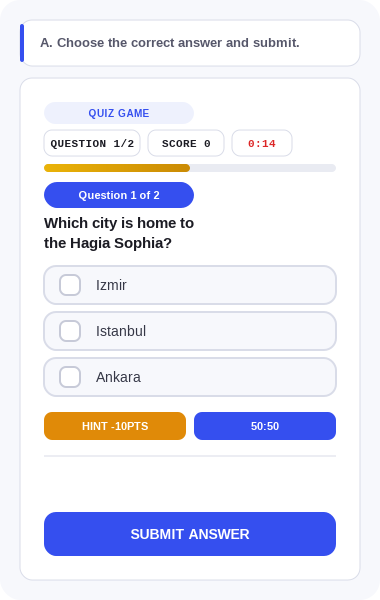
Gamified quiz with scoring and feedback
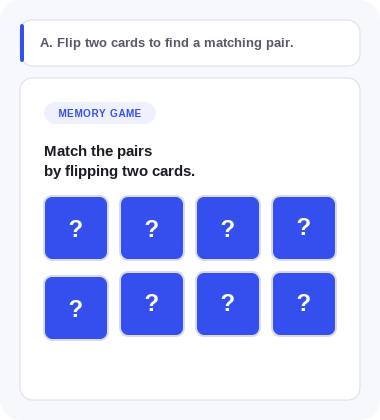
Classic memory matching card game
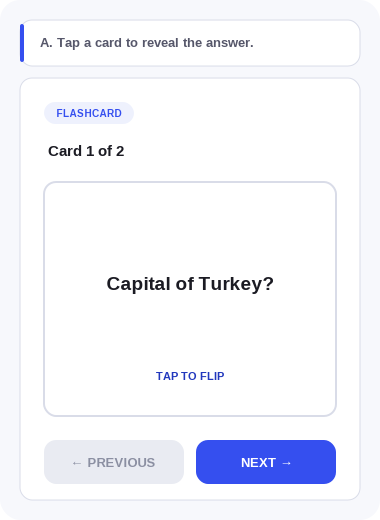
Digital flashcards with flip animation
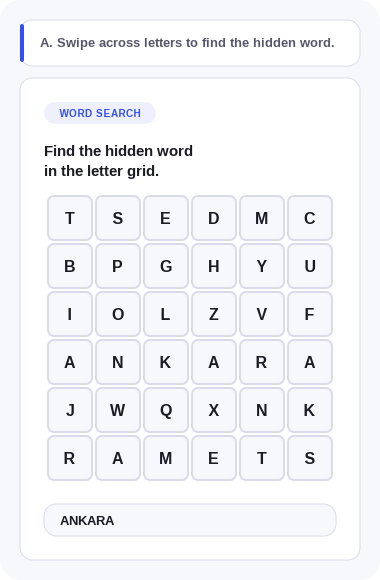
Find hidden words in a letter grid
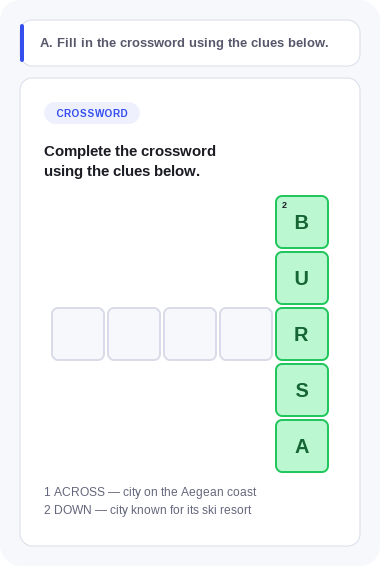
Interactive crossword with clues and hints
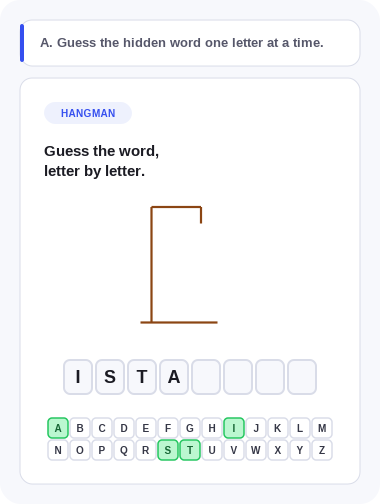
Classic word guessing game
Sliding tile image puzzle
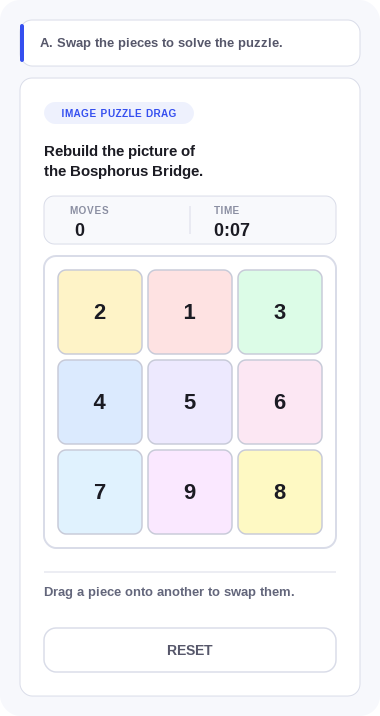
Drag puzzle pieces to correct positions
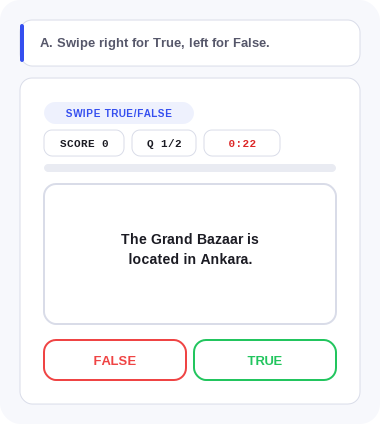
Swipe cards left or right for true/false
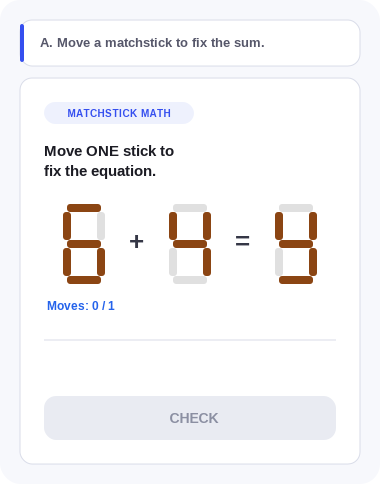
Move one matchstick to fix the equation
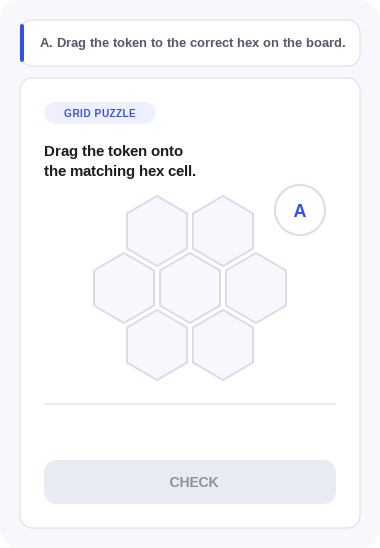
Move items to correct grid positions
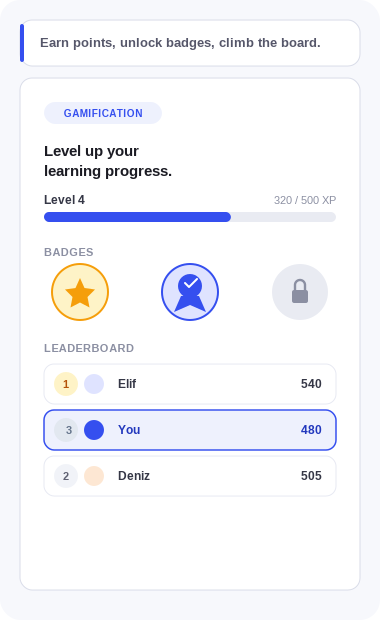
Points, badges and leaderboards layered on top of any module
Choose the pages or question that supply the activity. Review the result, correct the draft and check it in learner preview before publishing.
Add a textbook PDF to the lesson. For a new activity, you can also give written instructions and attach a PDF, DOCX or TXT reference.
Choose PDF page ranges in the generation wizard, or draw a box around one question with its instructions, choices and diagram.
Edit questions, options and answers. Reorder activity pages and preview the lesson to check the learner experience.
Publish the reviewed lesson to an authorised Pabli LMS workspace or download its learner-facing Web ZIP.
Publishing options
Preview modules on the devices your learners will use. Choose a Pabli LMS workspace or package the reviewed content for web hosting.
Publish directly to an authorised workspace and make the content available to the learners you assign there.
Download the learner-facing HTML and bundled assets to host in a compatible web environment.
Use supported content with Pabli Board where your school has classroom access set up.
Who uses modules
Use the module library to match the activity to a learning objective and the audience that will use it.
Create practice from a lesson handout and answer it in learner preview before sharing.
Turn catalogue exercises into editable digital activities your team can update.
Prepare shared activities for classroom practice and revision.
Evaluate modules and the export format for a specific delivery use case.
Pabli can use selected source material to draft supported exercises or generate narration. Your editors decide which outputs fit the lesson and verify them before publication.
Check wording, correct answers and media links in the editor before publication.
Use selected PDF pages, a complete question area or references provided with a prompt.
Generate a draft activity from a source passage and edit the proposed question, options and answers.
Generate narration from a selected PDF area or from your own text. Set the language and speaking rate.
Use learner preview and review comments to inspect the draft before publishing.
Start with a representative textbook page or bring one to a demo. Compare the generated activity with the source and try it in learner preview.