Create interactive editions of your books faster
With AI in Pabli Editor, your team can draft an interactive edition in minutes. Keep editing and publishing in-house to reduce outsourcing costs.
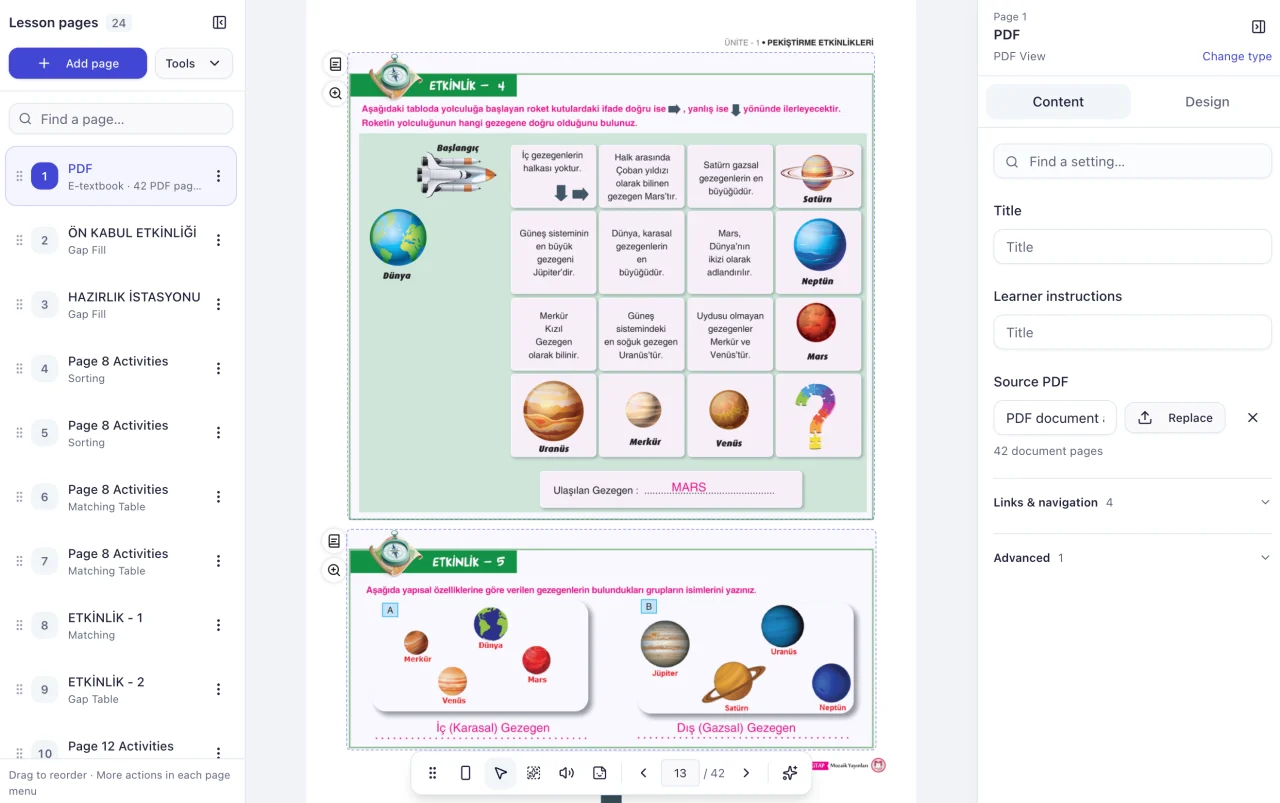
Your team is in control from draft to publication
-
Create a draft with AI
Upload your book. Pabli can automatically mark question areas or turn the book’s exercises into editable activities.
-
Edit with your own team
Review the questions and answers, then check the learner preview. When a new edition comes out, make the updates directly in Pabli Editor.
-
Publish under your own brand
Publish the book under your own brand and domain. Group selected activities into short lessons and use multiple publishing spaces where your plan allows.
Publish on your own platform
What interactions can you add to your books?
In the same book, teachers can reveal an answer, work through an activity with the class or play the steps of a worked solution.
-
Answer-reveal book
Use answered and unanswered PDFs with matching layouts. Learners can enlarge a question and reveal the answer.
Explore interactive books -
Activity-based book
Turn questions in your books into matching, fill-in-the-blank and other activities learners can answer.
Explore activity types -
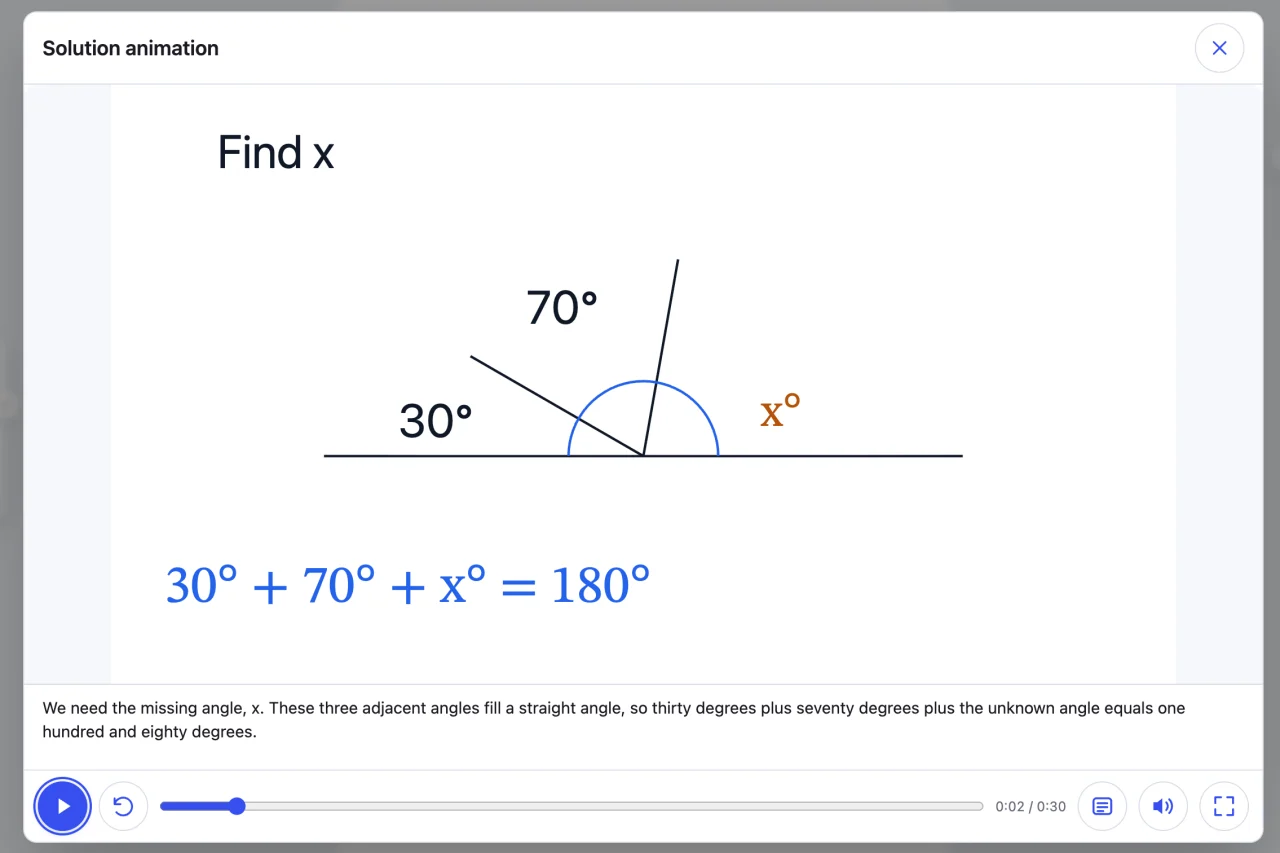
Animated worked solution
Present the steps of a solution with vector animation, audio narration and on-screen text.
Explore the worked solution workflow
Choose a workflow for your book
-
Interactive books
Reveal answers on the original book pages or turn the questions into activities learners can answer.
-
Animated worked solutions
Animate the steps of a solution and present them with narration and captions.
-
Narrated reading books
Turn a PDF book into a page-by-page read-along, or narrate a single passage.
-
Educational simulations
Turn a figure or process in a textbook into a model learners can explore through controls.
-
Publishing and LMS
Launch a publishing space under your brand and domain, or take your content to your own system as a Web ZIP.
Plan your first conversion
These are example timings. Page count, layout and question types affect generation and review time.
- About 5 minFirst answer-reveal draft from two matching PDFs
- About 10 minFirst automatic activity generation run
- 1–10 hoursEdit and preview an activity-based book
Frequently asked questions
What if a question changes in a new edition?
Your editors can correct the question, answer or page link in Pabli Editor and republish the book. They can make these edits in-house. New AI generation uses the credits in your plan. Explore plans
Can I use the book if my Pabli membership ends?
You retain ownership of the material you upload. A Web ZIP downloaded before account closure can run in a compatible web environment, subject to your rights to use that content. Editing the Pabli lesson requires workspace access. Explore publishing and LMS compatibility
Where should I start with my first book?
Choose a question page, figure or short passage from a unit. Try answer reveal and check the learner view. The Pabli team can help with your first book or a larger catalogue conversion. Contact the Pabli team
Pabli product team · Publisher Editor User Guide, pp. 3–21 · Updated
Try it with a book from your catalogue
Choose a section of your book. See how AI creates a first draft and how your team can edit and publish it in Pabli Editor.