Add narration to your reading books
Let readers see the original pages and listen to the text. Pabli advances to the relevant page as narration plays.
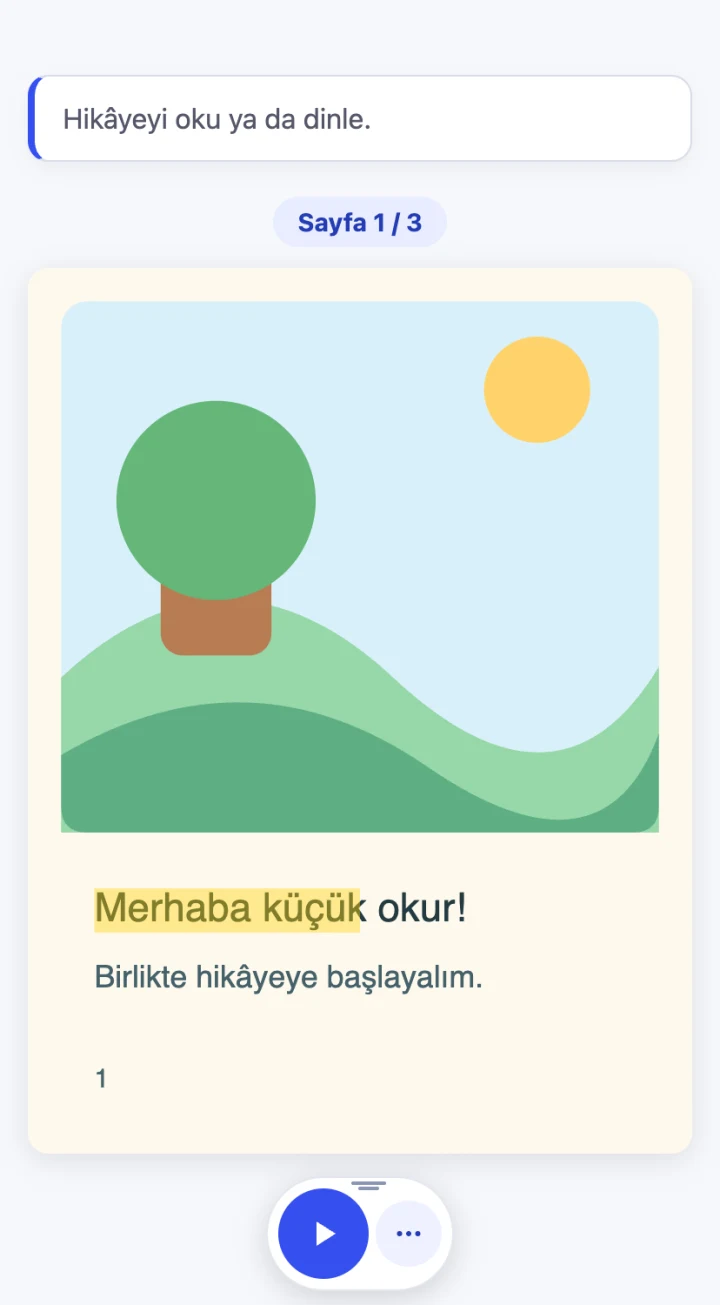
Bring printed pages and narration together
Keep readers on the right page as they listen
Present illustrated stories and language learning books with their original pages. The player advances to the relevant page as the narration progresses.
- Readers can navigate to another page or pause the audio.
- When word positions and timing align, the player can highlight the current word.
Choose the language, pace and pages
Set the narration for your readers. Keep covers and publication details visible while excluding those pages from the audio.
- Choose a language, speaking rate and provider available in your account.
- Available voices depend on the selected language and provider.
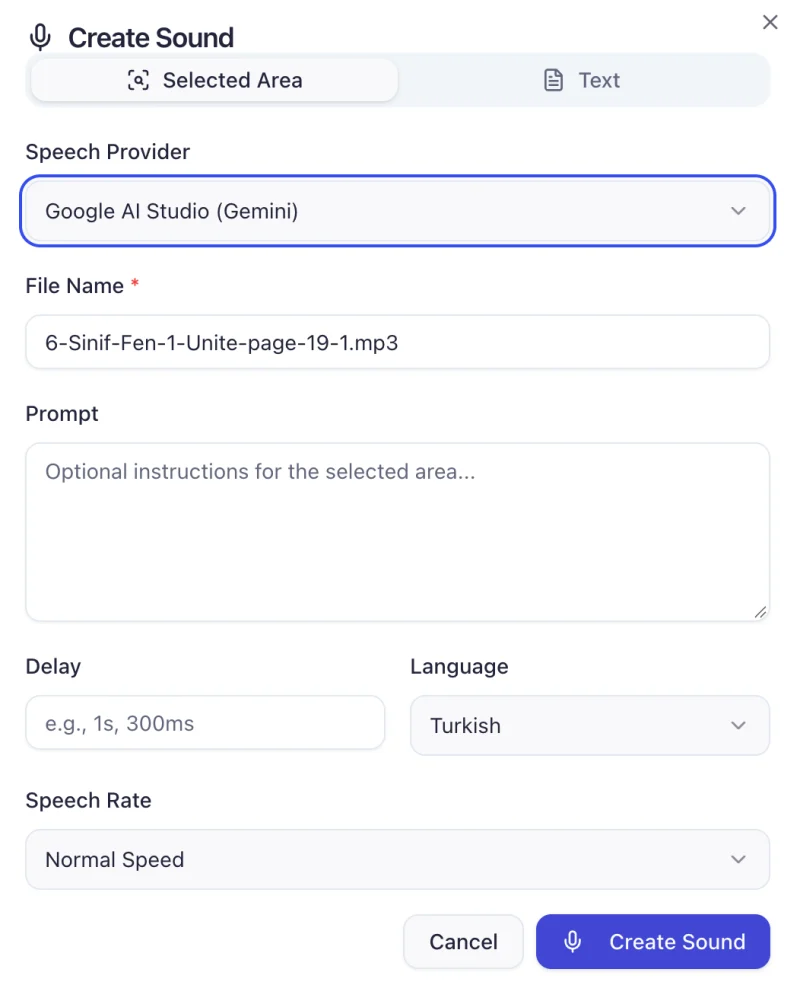
Add narration to one passage or instruction
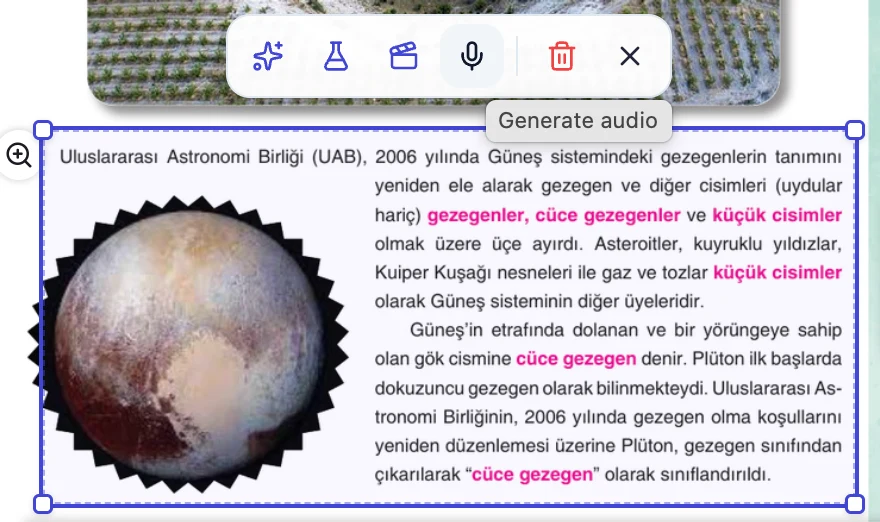
Select an area of the PDF or enter your own text. Attach the narration to the relevant place on the page.
- Narrate a reading passage, activity instruction or illustration caption.
- Offer spoken instructions alongside interactive activities in the same PDF.
Prepare a narrated reading book for publication
-
Select the PDF
Open Generate from PDF in the reading book component. Check scan quality and column order.
-
Generate narration
Set the language, pace and pages to narrate. You can leave covers and publication details out of the audio.
-
Listen and save
Check the first and last pages, a section transition and proper names. Save once the pages and audio line up.
Frequently asked questions
Can I start with just a PDF?
Pabli generates the page images and timed narration from the source PDF. Scan quality and layout can affect text recognition. Check pronunciation and reading order in preview.
Do excluded pages stay in the reading book?
Covers, publication details, blank pages or visual sections that you exclude from narration remain visible.
How can we share the narrated book?
Publish the book to an LMS workspace you can access or download a Web ZIP for use in a compatible web environment. Explore publishing options
Pabli product team · Publisher Editor User Guide, pp. 12–13 · Updated
More publishing workflows
-
Interactive books
Reveal answers on the original book pages or turn the questions into activities learners can answer.
-
Animated worked solutions
Animate the steps of a solution and present them with narration and captions.
-
Educational simulations
Turn a figure or process in a textbook into a model learners can explore through controls.
-
Publishing and LMS
Launch a publishing space under your brand and domain, or take your content to your own system as a Web ZIP.
Try it with a book from your catalogue
Choose a section of your book. See how AI creates a first draft and how your team can edit and publish it in Pabli Editor.