Create interactive books with your own team
Automatically mark question areas in your books or turn exercises into editable activities. Your team can review and publish the content in Pabli Editor.
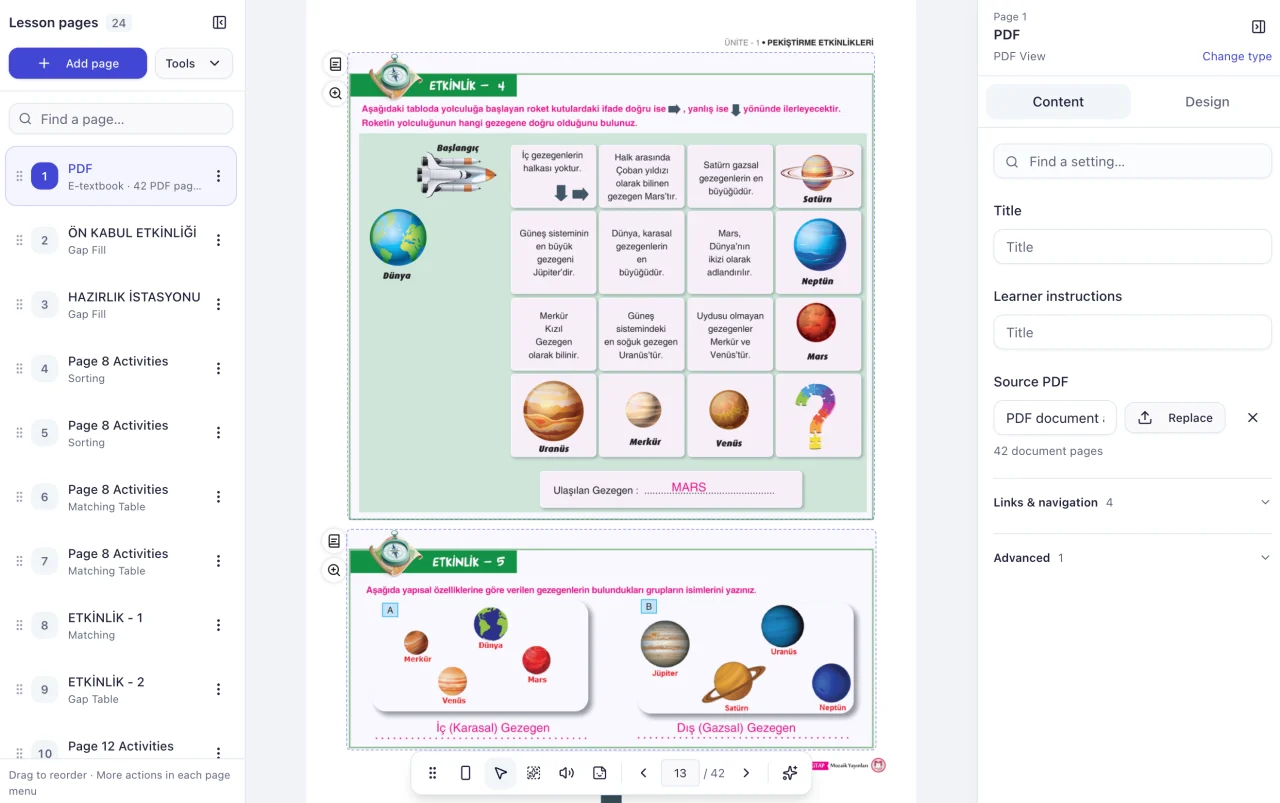
Explore interactive textbooks
Keep the original page and reveal answers
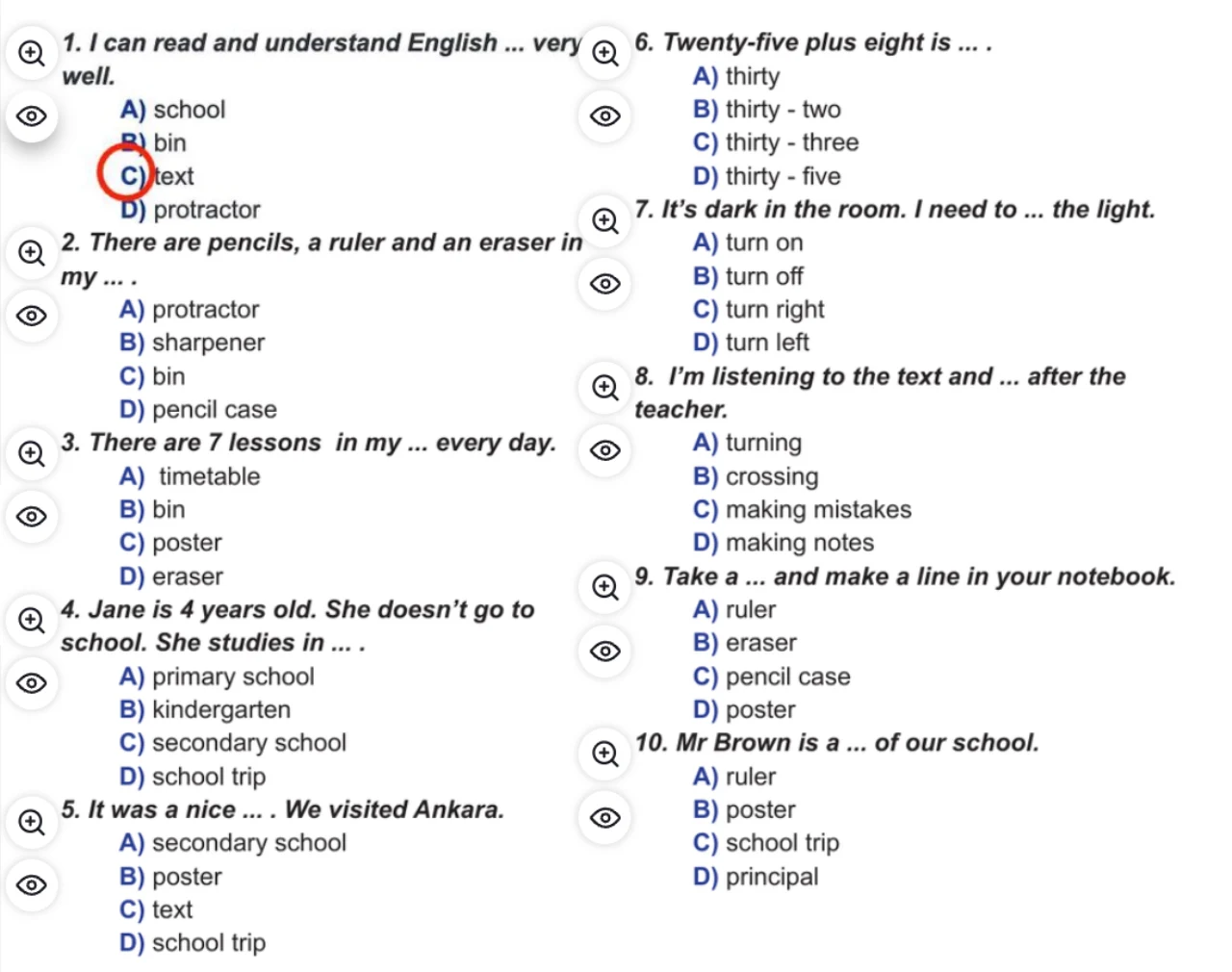
Keep the layout of your printed workbook or practice test. Pabli can automatically mark question areas on selected PDF pages.
- Resize the generated areas or draw any missing ones.
- Link an answered PDF with matching page order, size and question placement in the Answer page setting.
- Use the eye icon to reveal an answer and the magnifier to enlarge the question.
Turn printed questions into activities students can answer
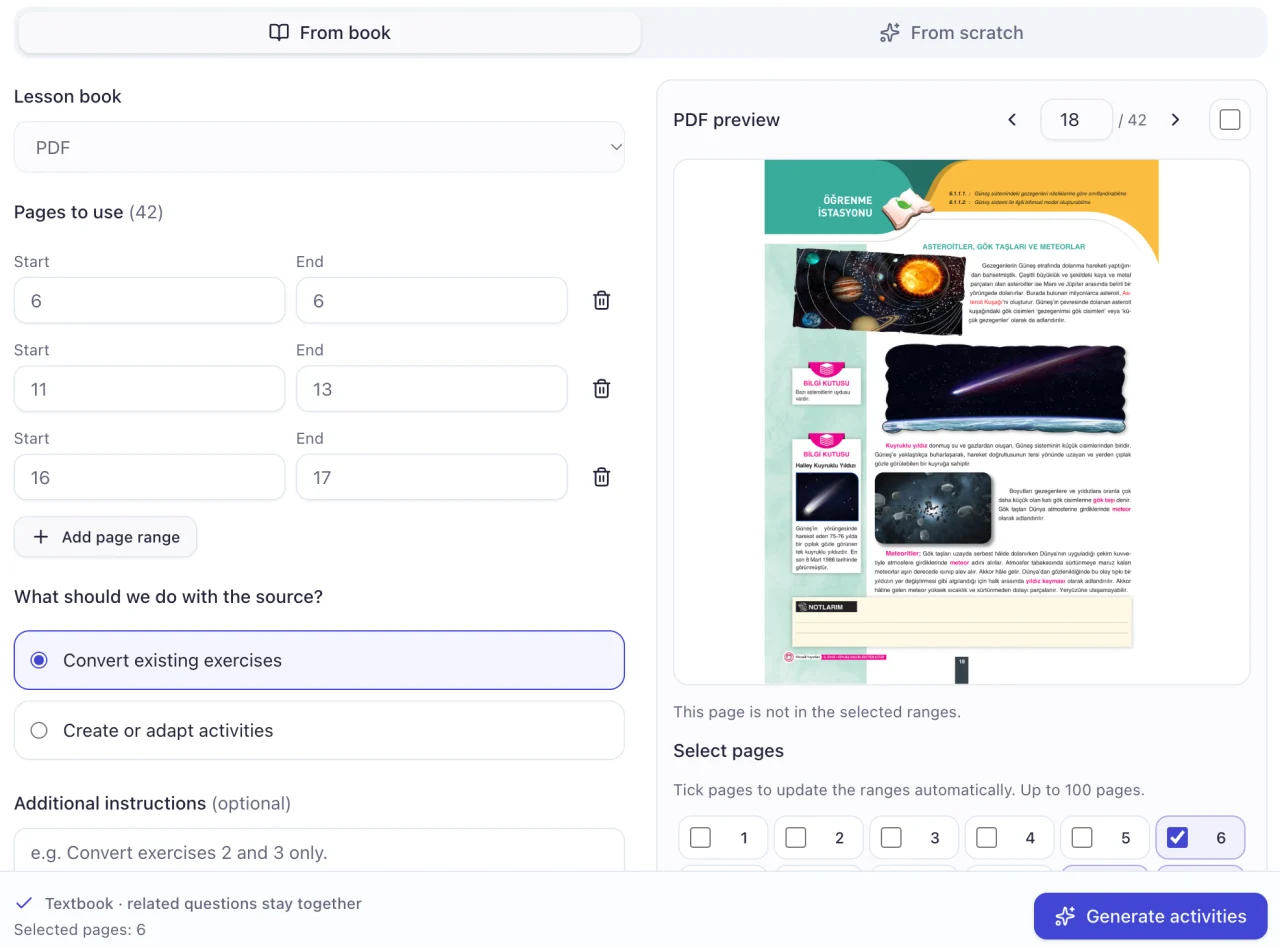
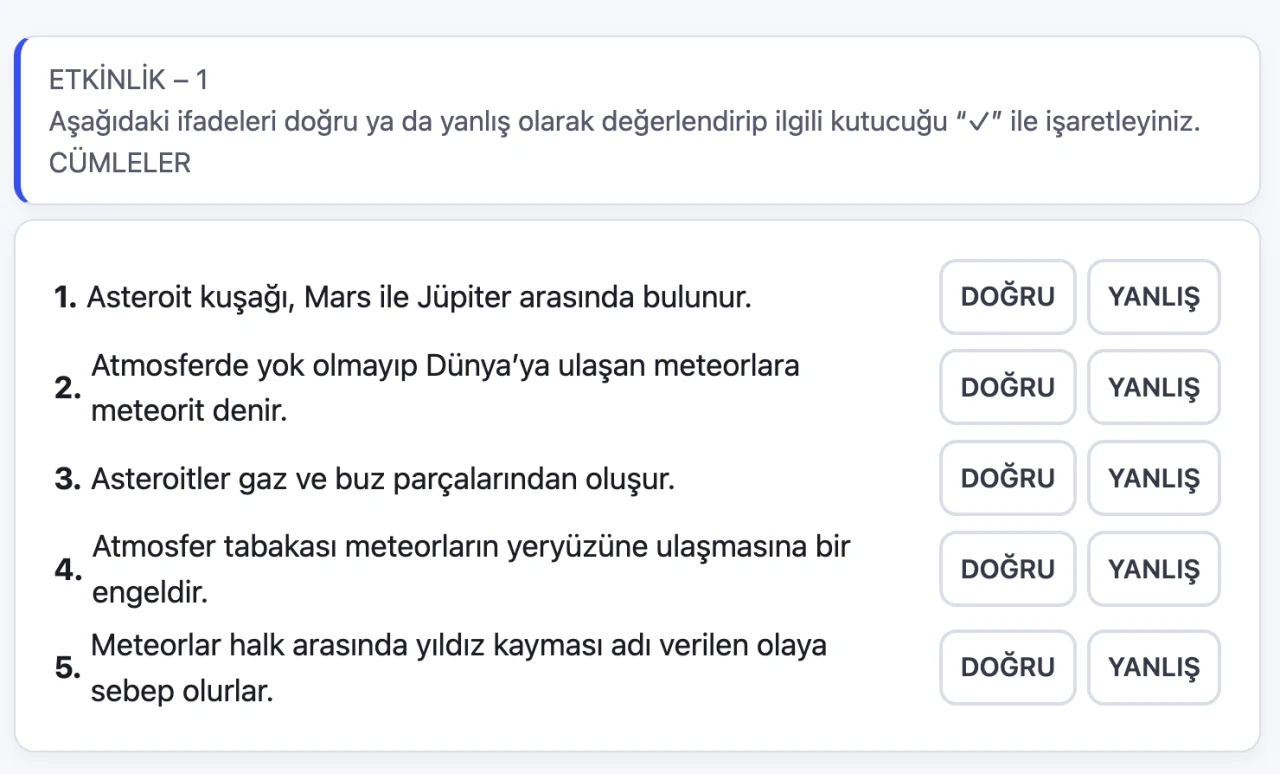
Convert selected pages or a single exercise into editable activities such as multiple choice, true/false and matching.
- When selecting one exercise, include its instructions, options and any diagrams.
- Review and edit instructions, questions, options and correct answers.
- Use Change type to regenerate the activity. Duplicate it first to keep both versions.
Open the interactive book on the classroom whiteboard
Teachers can open assigned books from the Pabli Board library, reveal answers and work through exercises with students.
- Enlarge a question so the whole class can read it.
- Answer activities together or play a narrated, captioned worked solution.
Get your book ready to publish
-
Upload and convert
Choose the pages, then mark question areas for answer reveal or generate editable activities. You can use both approaches in your catalogue.
-
Review the book
Check the answers, page links and learner view. If you replace the PDF for a new edition, preserve the page order and check the updated pages.
-
Make the book available
Publish the reviewed book to the relevant workspace so teachers can use it in Pabli Board.
Frequently asked questions
Do I need an answered PDF?
You can generate activities from the source PDF and use your answer key to verify them. For answer reveal on the original layout, link an answered PDF with the same page order, size and question placement.
How long does it take to prepare a book?
Page count, layout complexity and editorial review affect the timeline. Use a few representative pages to estimate conversion, editing and preview time.
Can I publish books under my own brand?
Publish the full book or selected short lessons under your brand and domain. You can also export a Web ZIP for a compatible web environment. See publishing options
Pabli product team · Publisher Editor User Guide, pp. 5–11, 18–20 · Updated
More publishing workflows
-
Animated worked solutions
Animate the steps of a solution and present them with narration and captions.
-
Narrated reading books
Turn a PDF book into a page-by-page read-along, or narrate a single passage.
-
Educational simulations
Turn a figure or process in a textbook into a model learners can explore through controls.
-
Publishing and LMS
Launch a publishing space under your brand and domain, or take your content to your own system as a Web ZIP.
Try it with a book from your catalogue
Choose a section of your book. See how AI creates a first draft and how your team can edit and publish it in Pabli Editor.