Turn book diagrams into interactive models
Pabli turns a diagram or process from your book into a simulation learners can control. Your team reviews the draft from the beta tool before publishing it.
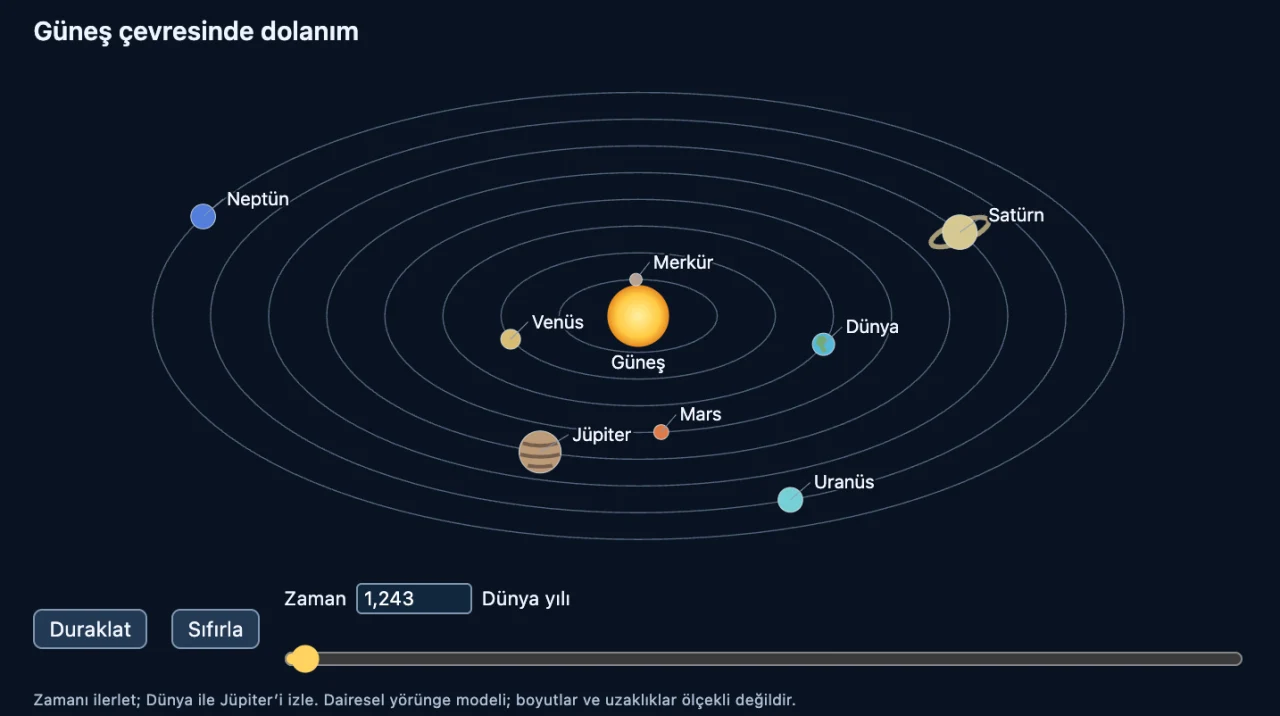
From a printed diagram to a model learners control
Start with a diagram from your book
Select an area of the PDF with the labels and values it needs. In your instructions, describe the variable learners will change and what they should observe.
- Ask learners to compare planet positions or observe what changes when a vertex moves.
- Check the file name and content language in the beta tool.
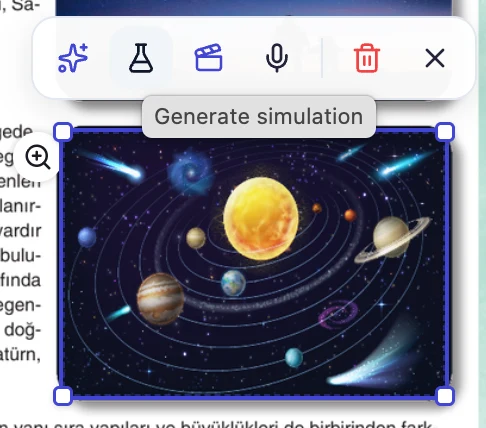
Give each control a visible result
In the solar system example, learners change the time to see how the planets move. They pause to compare positions and reset to start again.
- Explain what each control changes in the activity instructions.
- Document simplifications such as scale and distance.

Bring the model into the lesson
A simulation generated from a PDF area is added to a new reading activity and saved in File Manager. Use the activity instructions to tell learners what to explore.
Explore interactive books- Try the controls and check the labels in phone and large-screen previews.
- When generation history is available, keep the previous draft and compare it with a revision.
Get a simulation ready to publish
-
Define what to observe
Select the diagram and say what learners will change and which results they will compare.
-
Verify the model
Check the accuracy of the motion, labels and explanations. Test each control and check that reset works.
-
Test the learner view
Open the reading activity. Check that labels are legible and controls are easy to use on phones and classroom screens.
Frequently asked questions
What kind of diagram works well?
Choose a diagram showing a relationship learners can vary or a process they can investigate. Include the labels that explain what the model represents.
Can we refine the generated model?
When generation history is available, describe a specific change to create a new version. Keep the earlier draft and compare both in preview.
Can we also show how to solve a question?
Generate a worked solution animation from a PDF question to show the steps with drawings, captions and optional narration. Explore worked solution animations
Pabli product team · Publisher Editor User Guide, pp. 14–15 · Updated
More publishing workflows
-
Interactive books
Reveal answers on the original book pages or turn the questions into activities learners can answer.
-
Animated worked solutions
Animate the steps of a solution and present them with narration and captions.
-
Narrated reading books
Turn a PDF book into a page-by-page read-along, or narrate a single passage.
-
Publishing and LMS
Launch a publishing space under your brand and domain, or take your content to your own system as a Web ZIP.
Try it with a book from your catalogue
Choose a section of your book. See how AI creates a first draft and how your team can edit and publish it in Pabli Editor.