Add animated worked solutions to your books
Show the reasoning behind a question with step-by-step drawings, captions and optional narration. Your team can review the draft and attach it to the question.
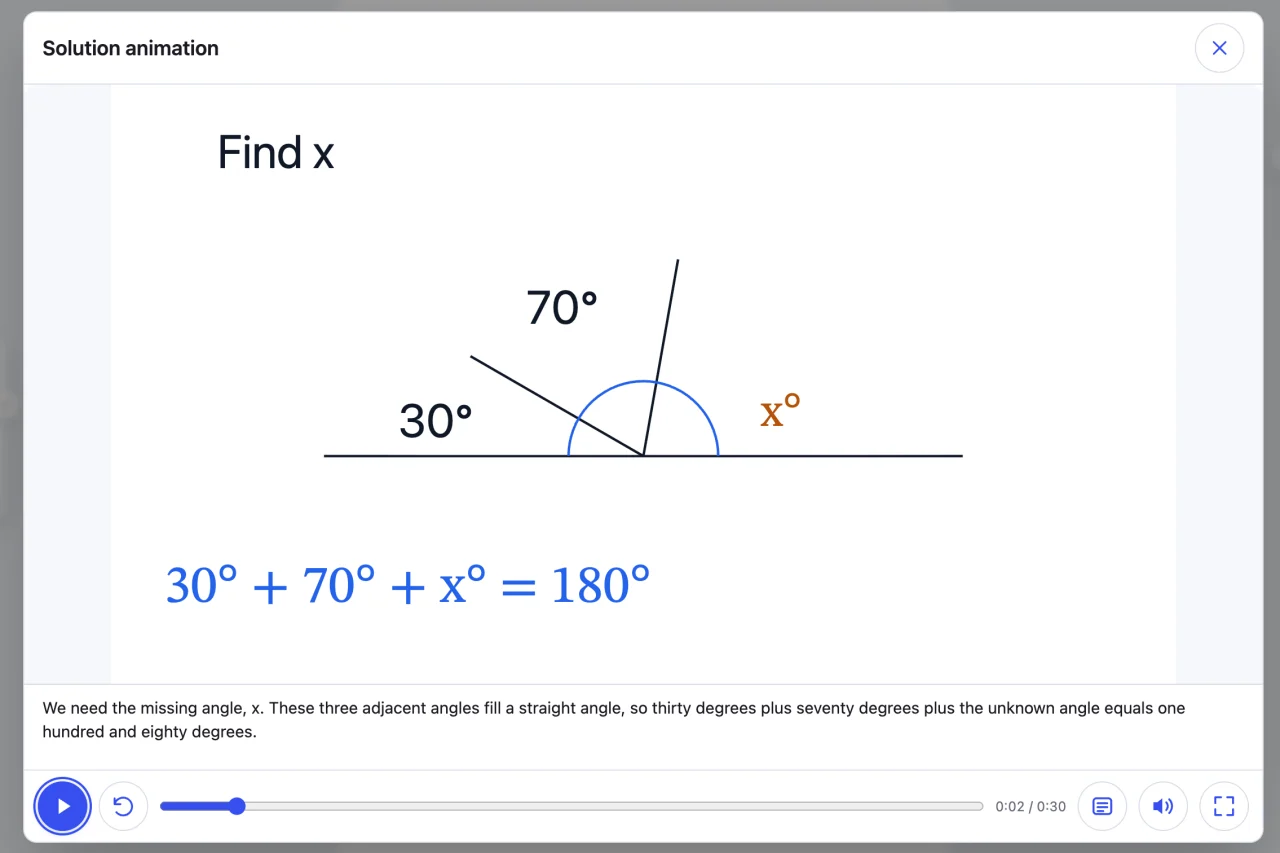
From a book question to a worked solution
Start with the question and its diagram
Select a question in the PDF. Pabli uses the selected text and diagram to draft an animation your publishing team can review.
- Include the answer choices, given values and diagram labels.
- Set the solution language and file name.
- Use the beta generation tool and check the draft against the source.
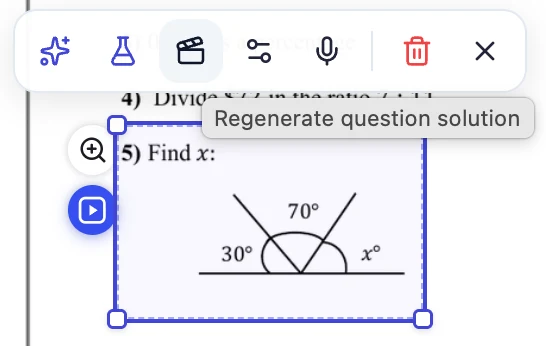
Make every step of the solution visible
Learners watch the vector animation in a video-style player. They can toggle captions and follow along with optional narration.
- Choose from the available narration voices and speaking rates.
- Learners can pause, restart or seek to a step on the timeline.
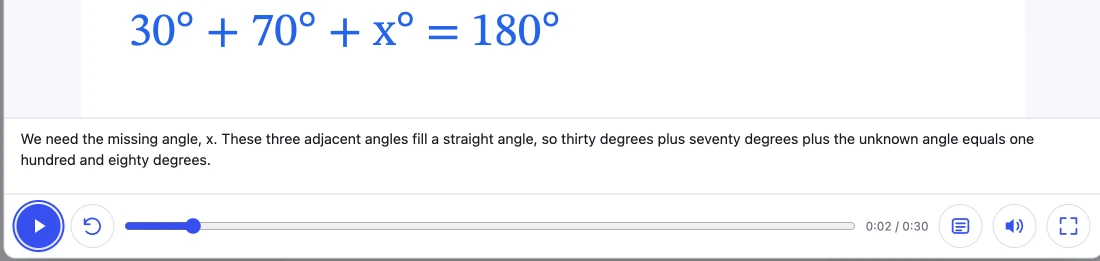
Use the same solution in the book and the activity
Attach the solution to the PDF question area. When the question is linked to an activity, learners can open the same explanation from either place.
Explore interactive books- Reuse a solution with its audio and images in another question.
- Regenerate the solution, select an existing file or remove the link.
Prepare your first worked solution
-
Select a question
Include the full question, diagram labels and any answer choices in the PDF selection.
-
Review the solution
Check the answer, order of drawings, captions and pronunciation against the book edition.
-
Preview as a learner
Read the labels on a phone, try the playback controls and confirm the question opens the intended solution.
Frequently asked questions
Do we need to record an audio track?
The editor can generate AI narration when you turn the option on. Solutions play silently with narration turned off.
What if we generate the solution from an activity?
PDF areas linked to that activity are updated with the same solution file. Check the new link in learner preview.
Can learners change a variable themselves?
In the solution player, learners can pause and move between steps. To let them experiment with variables, create an interactive simulation from the book diagram. Explore educational simulations
Pabli product team · Publisher Editor User Guide, pp. 16–17 · Updated
More publishing workflows
-
Interactive books
Reveal answers on the original book pages or turn the questions into activities learners can answer.
-
Narrated reading books
Turn a PDF book into a page-by-page read-along, or narrate a single passage.
-
Educational simulations
Turn a figure or process in a textbook into a model learners can explore through controls.
-
Publishing and LMS
Launch a publishing space under your brand and domain, or take your content to your own system as a Web ZIP.
Try it with a book from your catalogue
Choose a section of your book. See how AI creates a first draft and how your team can edit and publish it in Pabli Editor.