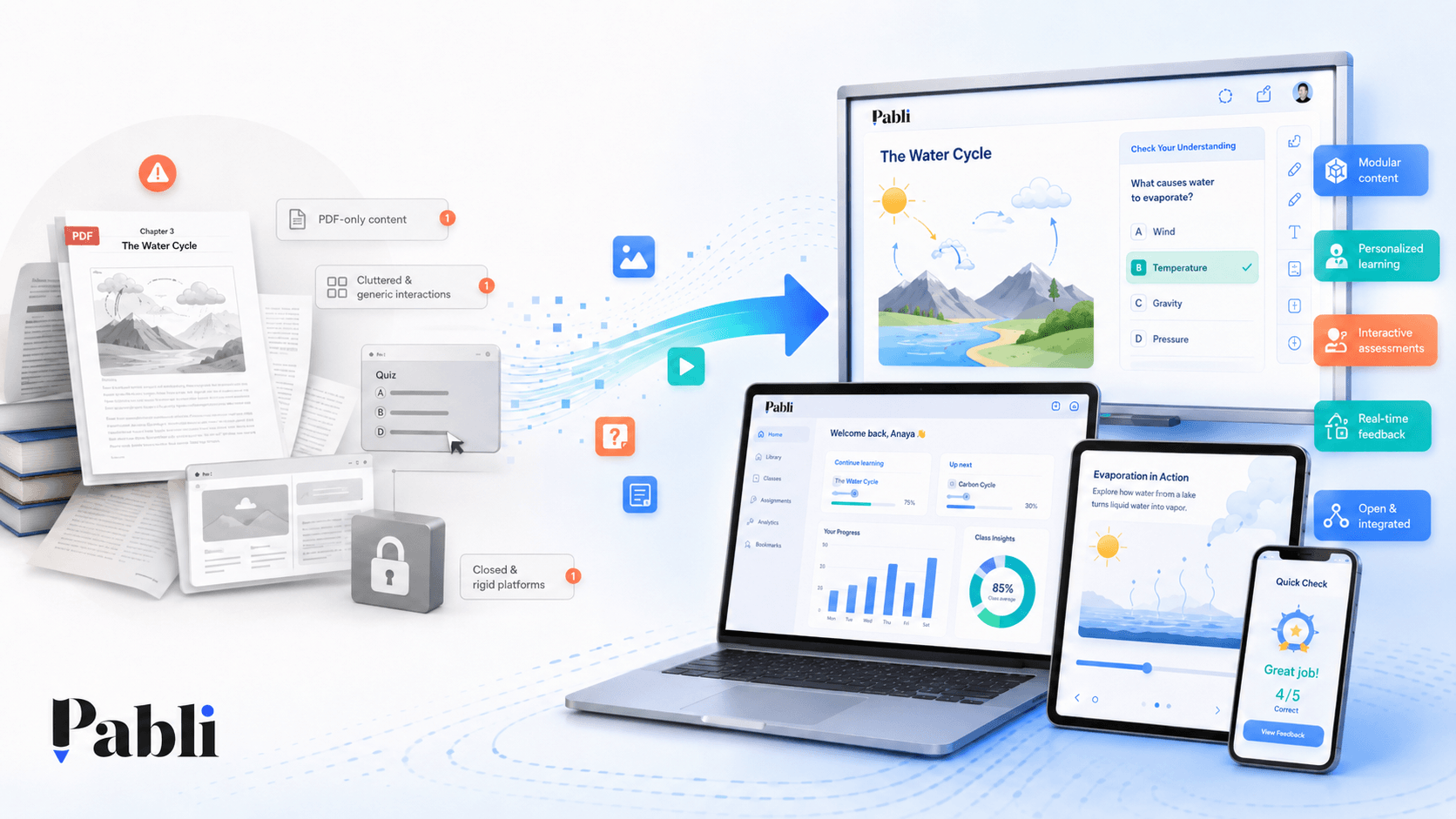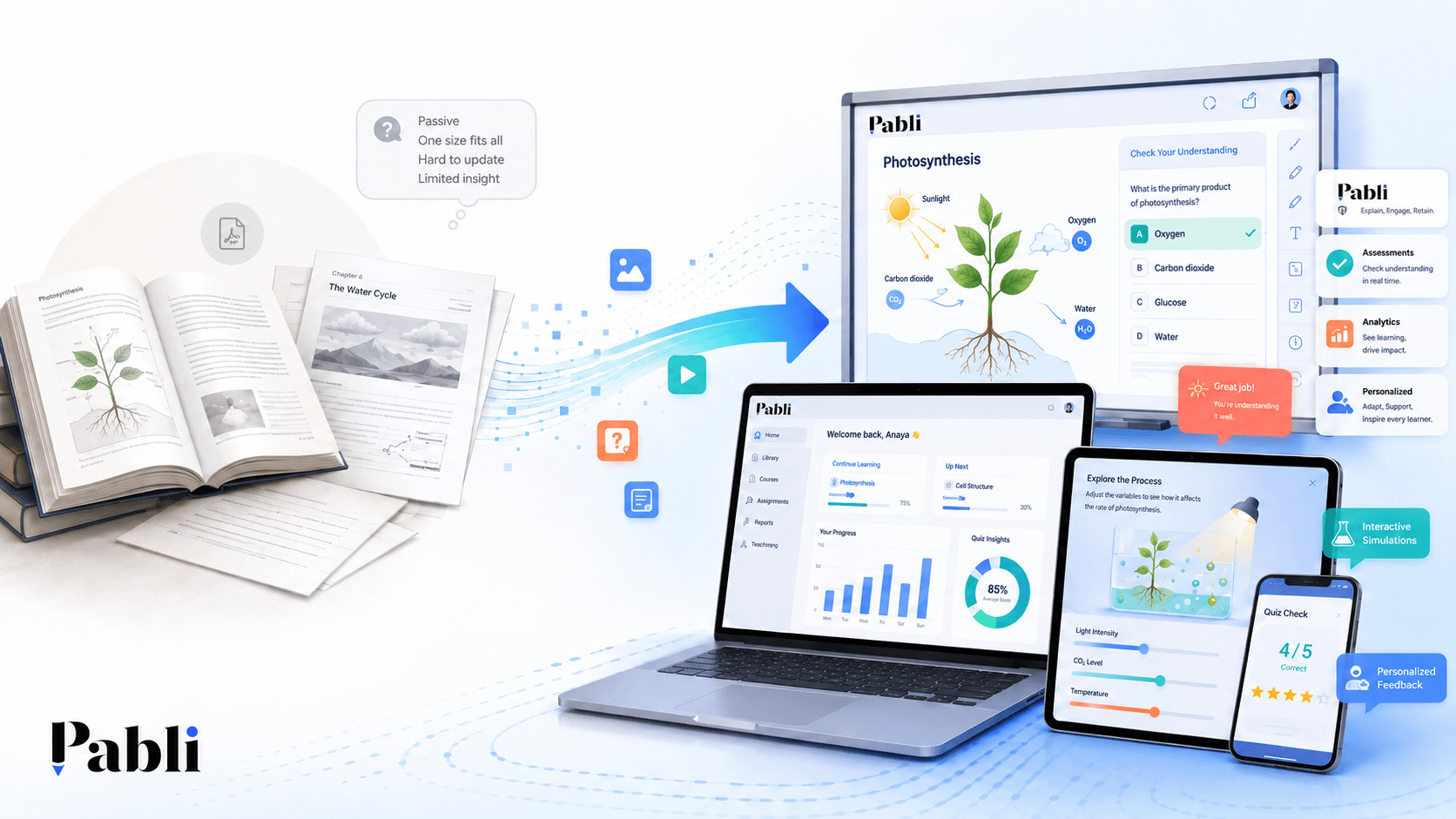
Digitising educational content means much more than converting printed pages into a PDF. Meaningful digital transformation involves redesigning content around interaction, explanatory feedback, multimedia, assessment and the ways learners and educators use different devices.
Converting a printed book into a PDF is often a useful first step. It makes the material easier to store, distribute and access across devices. However, in most cases, a PDF remains a screen-based version of the printed page.
Users can open the document, zoom in and out and move between pages. Interactive whiteboard applications may also add tools such as highlighting, drawing, annotations and erasing.
These functions are valuable, but they do not fundamentally change the structure of the content or the learner’s relationship with it. The learner is still primarily reading or watching. The content does not respond meaningfully to their choices, provide tailored guidance or create new opportunities for classroom participation.
For that reason, digitisation should not be evaluated only by file format. It should be evaluated by the learning experience it creates.
What is the difference between digital content and interactive content?
Digital content is any content that can be accessed through an electronic device. A PDF, video, audio recording, presentation or e-book can all be considered digital content.
Interactive content goes further. The learner does not simply view the material. They perform an action and receive a meaningful response from the content.
For example, a learner might:
- Select an answer.
- Drag objects into the correct categories.
- Arrange events in chronological order.
- Change variables in a graph.
- Listen to the pronunciation of a word.
- Reveal the stages of a worked solution.
- Test different possibilities in a simulation.
- Receive explanatory feedback based on their answer.
The key difference lies in the relationship between the learner and the content.
Static content is primarily something to read, watch or review. Interactive content is a learning tool that invites the learner to make decisions, practise, observe outcomes and try again.
Are digital textbooks, interactive textbooks and interactive whiteboard content the same thing?
These terms are often used interchangeably, but they refer to different types of digital experience.
Digital textbook
A digital textbook is an electronic version of a printed book. It may consist of fixed pages or text that automatically adapts to the screen size.
It may include features such as search, zoom, highlighting, note-taking and page navigation.
Its primary purpose is to make the original content accessible in a digital environment.
Interactive textbook
An interactive textbook enriches the original material with digital elements such as questions, video, audio, animations, flashcards, games and simulations.
The user does more than view the page. They interact with specific parts of the content, complete activities, make selections and access additional explanations.
An interactive textbook does not need to be a page-by-page digital replica of the printed edition. It can restructure the material around the possibilities of a digital learning environment.
Interactive whiteboard content
Interactive whiteboard content is designed specifically for classroom use.
It needs to account for large screens, touch-based interaction, teacher control, visibility from across the classroom and activities that can be completed collectively.
A resource may technically open on an interactive whiteboard without being properly designed for one.
Effective interactive whiteboard content should provide:
- Text and visuals that remain legible from a distance.
- Controls that are easy to select.
- Fast access to relevant resources.
- Activities that support whole-class participation.
- A flow that does not interrupt the lesson.
A single resource can function as a digital textbook, an interactive textbook and an interactive whiteboard experience. However, this requires more than technical compatibility. The experience must be adapted to each context of use.
What are the core layers of meaningful educational content digitisation?
A successful digital transformation process should address four connected layers.
1. Content structure
Printed books are usually organised around pages.
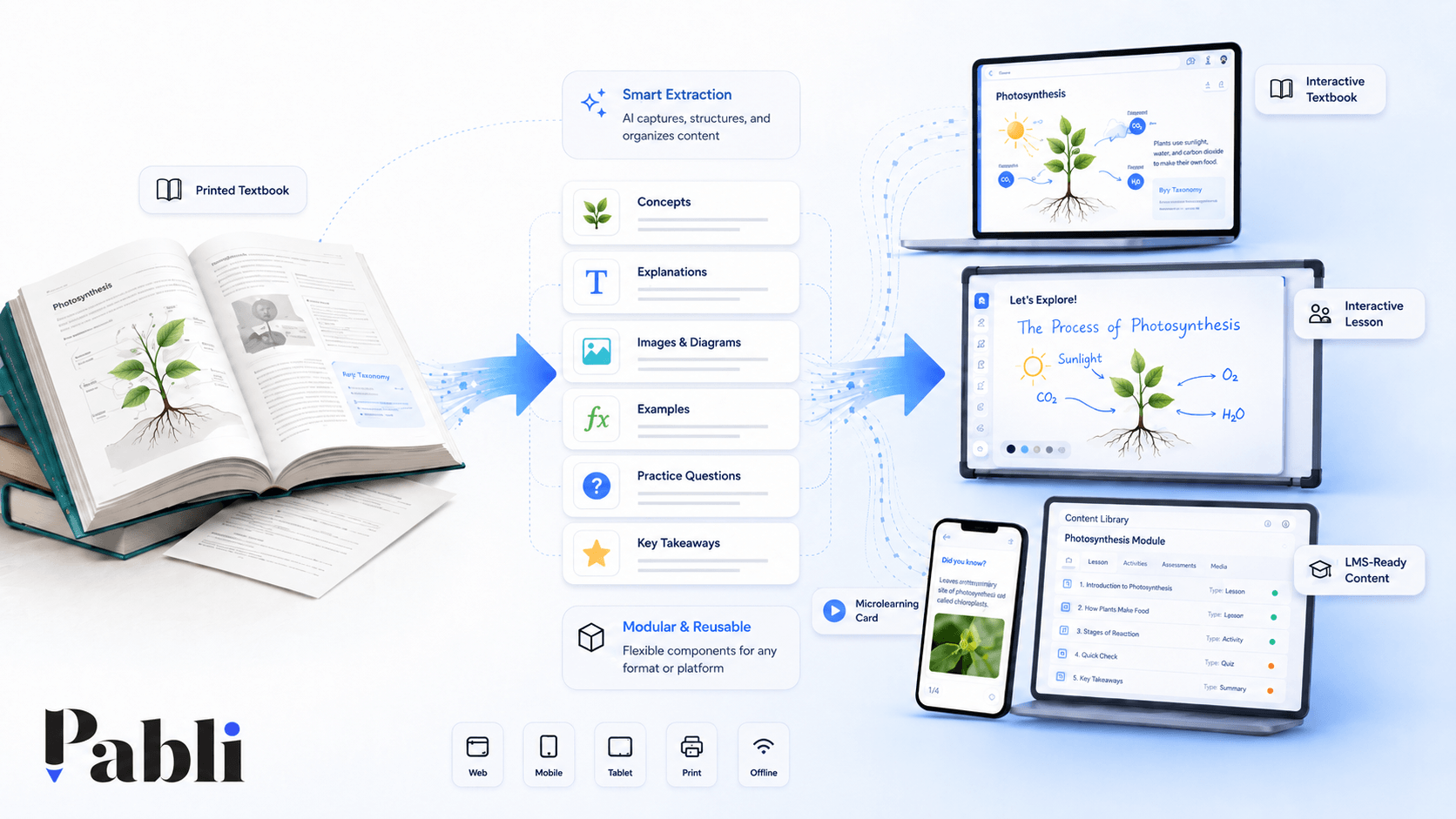
Digital content can be divided into smaller, independent and reusable components.
A unit might contain:
- Learning objectives
- Core explanations
- Concept definitions
- Images
- Tables
- Worked examples
- Interactions
- Practice activities
- Assessment questions
- Feedback
- Additional resources
When these elements are structured as independent modules, the same content can be reused across multiple learning experiences.
A concept explanation may appear in an interactive textbook, a microlearning lesson, an interactive whiteboard presentation and the feedback screen of an assessment.
This prevents valuable content from being locked into a single page, product or format.
2. Interaction design
Interaction does not mean adding random buttons, games or clickable objects.
Every interaction should support a clear learning objective.
For example:
- Matching can help learners identify relationships between concepts.
- Sequencing can be used to teach processes or chronology.
- Drag-and-drop can support classification and grouping.
- Simulations can help learners explore relationships between variables.
- Multiple-choice questions can provide quick knowledge checks.
- Open-ended questions can encourage interpretation and discussion.
- Step-by-step solutions can make a process visible.
The goal is not simply to create movement on the screen. It is to encourage the learner to think, decide, apply or reflect.
An activity may look engaging but still add little educational value if it is not connected to the intended learning outcome.
3. Meaningful use of media
Audio, video, animations and visuals do not automatically improve educational content.
Each media element should serve a specific purpose.
For example:
- Audio can demonstrate pronunciation in a language lesson.
- Video can show a real-world procedure.
- Animation can make a sequence or transformation visible.
- Simulation can allow learners to test variables and observe outcomes.
- Layered visuals can help learners examine the components of a complex system.
The role of media is not to decorate the content. It is to make the content easier to understand.
A video that simply repeats what is already explained clearly in text may add little value. A video showing an experiment that is difficult to perform in the classroom, however, can make a meaningful contribution to learning.
4. Distribution and reuse
The value of digital content becomes limited when it only works inside the platform where it was created.
A sustainable digital content model should be able to answer the following questions:
- Can the content be published on the web?
- Can it be used on mobile devices?
- Does it provide an appropriate interactive whiteboard experience?
- Can it be delivered through an existing learning management system?
- Can it be exported in formats such as HTML5 or SCORM?
- Can the same content be reused across multiple products?
- Can it be updated later?
- Is it tied to a single technology provider?
Content teams should consider not only where the material will be published today, but also how it may need to be used in the future.
A resource designed for an interactive whiteboard today may later be required in a student app, a school LMS or a microlearning programme.
To support this level of flexibility, the content itself should not be inseparable from the software used to display it.
Why does interactive learning content matter?
Interactive content moves learners from passive observation towards active participation.
Its value, however, does not come simply from asking the learner to click or touch the screen.
Well-designed interaction can:
- Check prior knowledge.
- Help learners identify relationships between concepts.
- Reveal misconceptions.
- Allow learners to try again.
- Turn abstract concepts into practical experiences.
- Help teachers initiate classroom discussion.
- Support different learning speeds.
A learner can study the behaviour of a mathematical function from a fixed graph. But when they can change the coefficients and immediately observe how the graph responds, they begin to explore the relationship between the variables.
Similarly, reading a historical text may help learners remember key events. Classifying those events by social, political and economic causes requires deeper analysis.
When has educational content genuinely been digitised?
The following questions can be used to assess the maturity of a digital content experience:
- Can learners actively interact with the content?
- Does the content respond meaningfully to learner actions?
- Can teachers use it easily during a lesson?
- Does it adapt appropriately to different devices?
- Are audio, video and simulations used for a clear learning purpose?
- Can learning and performance be assessed?
- Can the content be reused in other lessons or products?
- Can it be updated easily?
- Is it dependent on a single technology provider?
- Do the source materials and usage rights remain under the content owner’s control?
When the answer to most of these questions is no, the project may be closer to file conversion or screen-based publishing than genuine content transformation.
How does Pabli transform educational content?
Pabli is designed to help organisations reuse their existing educational resources across different learning scenarios—not simply display them on a screen.
A textbook, document or learning resource can be transformed into:
- An interactive textbook
- Interactive whiteboard content
- A microlearning lesson
- A classroom activity
- A quiz or knowledge game
- An assessment
- An audio-supported lesson
- Video-enhanced content
- A simulation-based activity
- An LMS-compatible learning package
AI-assisted workflows help identify suitable activity and question formats and accelerate the production process.
A modular content structure enables the same components to be reused across different lessons, products and channels.
As a result, educational content is no longer limited to a single format. It becomes a flexible digital asset that can create value across multiple learning experiences.
Digitisation is about experience, not screens
Displaying a book on a screen is useful. But the digital transformation of education requires more.
Meaningful digitisation involves structuring content around learning objectives, creating interactions that support participation, designing for the teacher’s real classroom context and enabling the same content to work across multiple channels.
The essential question is therefore not:
“Can this content be opened digitally?”
It is:
“Has this content been redesigned to create a more effective learning experience through digital technology?”
Pabli helps publishers and education providers make that transition without developing a separate software solution for every new piece of content.
Frequently Asked Questions
Is a PDF considered digital educational content?
A PDF is a digital content format. However, it does not provide an interactive learning experience on its own. Without interaction, feedback, multimedia and assessment, it largely remains an electronic version of the printed page.
What is an interactive textbook?
An interactive textbook combines text and visuals with elements such as questions, video, audio, animation, games, simulations and explanatory feedback.
What makes good interactive whiteboard content?
Interactive whiteboard content should be designed around large screens, touch interaction, teacher control and whole-class participation. It should be easy to navigate, clearly visible and supportive of the natural lesson flow.
Can educational content be used on mobile devices?
Yes. When content is responsive and device-independent, it can be delivered through web, tablet and mobile experiences. However, the user experience should still be adapted to each type of device.
Who is Pabli designed for?
Pabli is designed for publishers, education providers, content teams, teachers, corporate learning teams and organisations that want to transform existing materials into reusable digital learning products.
Do not simply move your content onto a screen. Turn it into an interactive learning experience that can be reused, adapted and distributed across multiple channels with Pabli.